![Claimocity Logo_HubSpot Help Center.png]](https://portal.claimocity.com/hs-fs/hubfs/Claimocity%20Logo_HubSpot%20Help%20Center.png?height=40&name=Claimocity%20Logo_HubSpot%20Help%20Center.png)
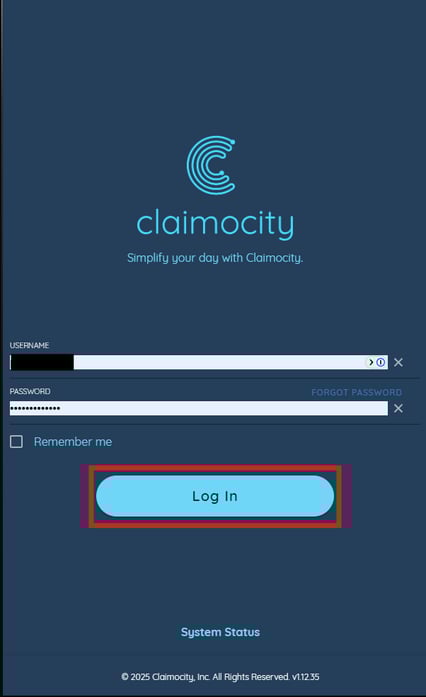
- Type in your login credentials in the Username and Password fields and click the "Log In" button
.
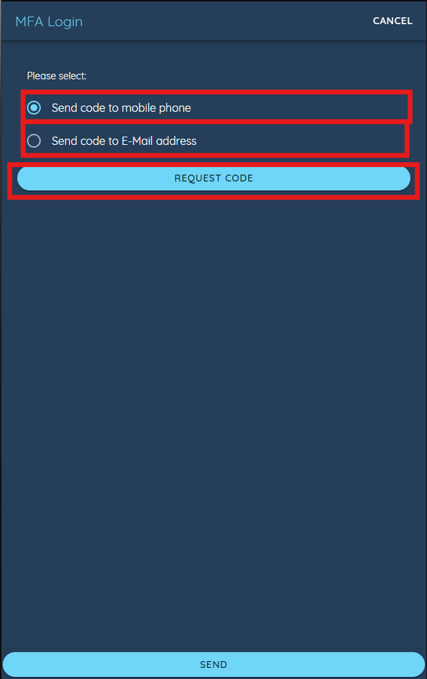
- Users will be presented with two ways of receiving their One-Time Passcodes: via their mobile phones or by email. Please make a selection and click the "Request Code" button.
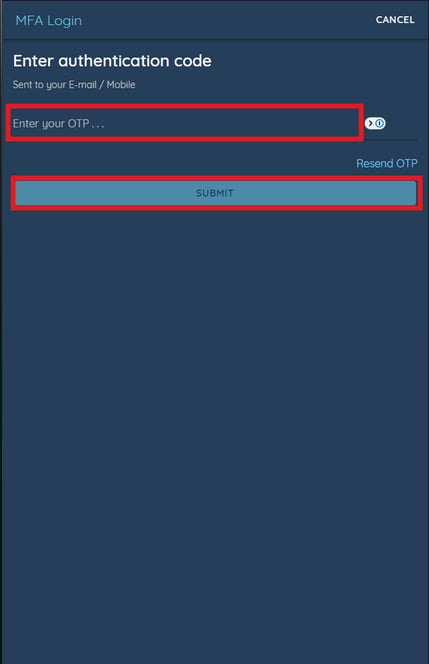
- After clicking the "Request Code" button, you will be redirected to a new screen where you will be prompted to type the One-Time Passcode you received to your email or mobile device into the text box. Once complete, click the "Submit" button.
Once these steps have been completed, you will be redirected to the Claimocity application.